

Kling AI, developed by Kuaishou, made waves for pushing generated clip lengths and motion complexity noticeably beyond what many competitors offered at the time of its release, along with strong performance on scenes involving multiple interacting subjects and complex physical motion. This review looks at how Kling AI performs in 2026, particularly for creators who need longer, more elaborate generated sequences than the category’s typical short-clip norm.
What Is Kling AI?
Kling AI is a text-to-video and image-to-video generation platform known for supporting longer clip durations and strong performance on complex, multi-subject scenes compared to many competitors that focus primarily on short, simple clips. It’s accessible through a dedicated web and mobile app, with a feature set aimed at both casual creators and more ambitious short-form video projects.
Key Features
- Extended Clip Generation: Support for longer continuous clip durations than many competing tools, reducing the need to stitch together as many separate segments for a given sequence.
- Multi-Subject Motion Handling: Strong performance on scenes involving multiple interacting characters or objects, a historically difficult case for AI video generation to handle coherently.
- Image-to-Video: Animates static images with attention to preserving the original subject’s identity and details throughout the generated motion.
- Motion Amplitude Control: Adjustable settings for how dramatic or subtle the generated motion should be, giving creators some direct control over pacing and energy.
- Lip Sync and Audio-Driven Animation: Tools for syncing generated video to audio input, useful for talking-character and dialogue-driven content.
- Mobile App: A dedicated mobile app allowing generation and editing directly from a phone, which matters for creators working primarily in short-form mobile-first content workflows.
Ease of Use
Kling AI’s interface is approachable for core generation tasks, with a fairly standard prompt-and-generate flow supplemented by settings for clip length, motion amplitude, and aspect ratio. The mobile app in particular makes the tool more accessible for creators who prefer working entirely from a phone rather than a desktop browser, which is a meaningful convenience factor for social-first content creators specifically.
Output Quality
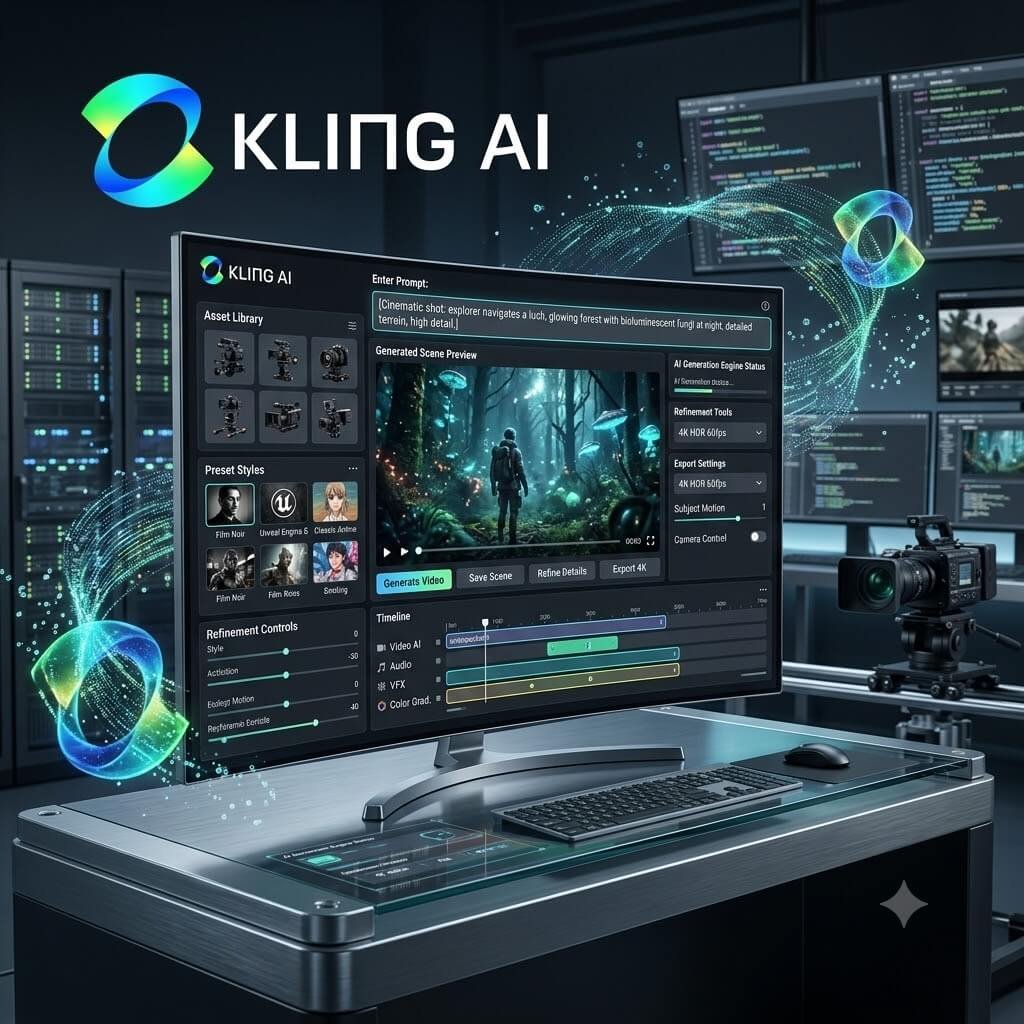
Kling AI’s clearest differentiator is its handling of longer, more complex generated sequences — where many competitors show visible quality degradation or motion incoherence as clip length and scene complexity increase, Kling AI tends to maintain reasonable consistency for noticeably longer durations and busier scenes, which matters significantly for narrative content, action sequences, or any scenario involving multiple moving subjects interacting within a frame.
Image-to-video generation is also notably strong at preserving the specific identity and fine details of the source image throughout the generated motion, which is a common weak point for tools that tend to drift or “reinterpret” a source image’s details as the clip progresses. That consistency makes Kling AI a particularly good fit for animating specific characters, products, or reference photography where fidelity to the original matters.
Performance and Speed
Given that Kling AI is generating longer, more complex clips than many competitors by default, generation times can run longer than tools focused purely on short, simple clips — a reasonable tradeoff given what’s being generated, but worth factoring into expectations if speed of iteration is the primary priority. The mobile app experience is generally smooth and well-optimized despite the underlying generation complexity.
Pricing
Kling AI offers a free tier with limited generation credits, along with paid tiers scaling based on generation volume, clip length limits, and resolution. Pricing is generally competitive with other mainstream AI video tools, with higher tiers unlocking the longer clip durations and higher motion complexity settings that are the platform’s core differentiator.
Pros
- Strong handling of longer clip durations without significant quality degradation
- Excellent multi-subject scene coherence for complex, busy scenes
- Image-to-video generation preserves source subject identity and detail well
- Dedicated mobile app for on-the-go generation and editing
- Competitive pricing relative to feature set
Cons
- Longer, more complex generations take more time than simpler competing tools
- Less specialized stylistic effects library compared to social-focused tools like Pika
- Advanced granular camera control less developed than Runway’s toolset
Who Should Use Kling AI?
Kling AI is particularly well suited to creators who need longer, more narratively complex generated sequences, or scenes involving multiple interacting subjects, where many competing tools start to show their limitations. It’s also a strong choice for creators who want reliable identity preservation when animating a specific reference image.
Final Verdict
Kling AI has carved out a genuinely useful niche by pushing further on clip length and multi-subject scene complexity than much of the competition, without sacrificing the accessibility of a mobile-friendly, approachable app. For creators working on longer or more elaborate sequences specifically, it’s one of the strongest options available in 2026.
Rating: 4.3 / 5





Leave a Reply