

While broad office suites bundle meeting notes as one feature among many, Otter.ai has built its entire product around doing that one job exceptionally well — real-time meeting transcription, speaker identification, and AI-generated summaries — while integrating cleanly with the calendar and video conferencing tools teams already use. This review looks at how Otter.ai performs as a dedicated meeting intelligence tool in 2026.
What Is Otter.ai?
Otter.ai is a dedicated AI meeting assistant that automatically joins scheduled video calls (or records in-person conversations via mobile app), produces real-time transcription with speaker identification, and generates AI-powered summaries, action items, and searchable notes from the conversation, all without requiring manual note-taking during the meeting itself.
Key Features
- Automatic Meeting Join: Calendar integration that allows Otter to automatically join and record scheduled video calls across major conferencing platforms without manual setup for each meeting.
- Real-Time Transcription: Live, streaming transcription during a call, with reasonably accurate speaker identification that attributes statements to specific participants.
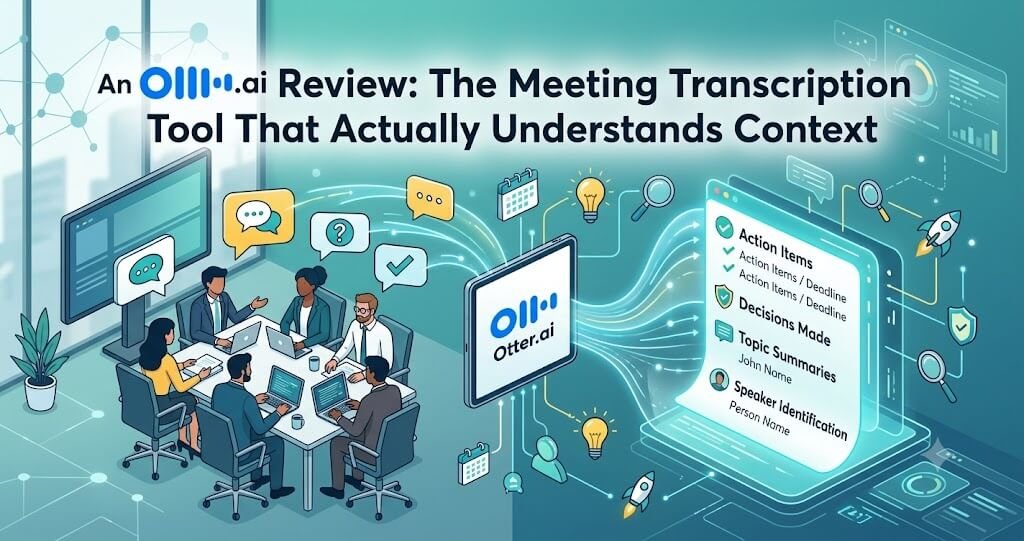
- AI Meeting Summary: Automatically generated summaries highlighting key discussion points, decisions, and action items shortly after a meeting concludes.
- Otter AI Chat: A conversational interface allowing users to ask questions about a specific meeting’s content, or search across multiple past meetings for relevant information.
- Live Notes and Slide Capture: The ability to add manual notes during a live meeting alongside the automatic transcript, and automatic capture of shared presentation slides shown during the call.
- CRM and Workflow Integrations: Connections to tools like Salesforce and Slack, allowing meeting summaries and action items to flow directly into existing sales and project workflows.
Ease of Use
Otter.ai’s core value proposition is genuinely low-friction: once calendar integration is set up, meetings are transcribed and summarized automatically without requiring any action during the call itself, which is a meaningfully different experience from tools that require someone to remember to manually start a recording or bot. The mobile app extends this same low-friction philosophy to in-person conversations, making it easy to capture and transcribe meetings that don’t happen over video at all.
Output Quality
Transcription accuracy is generally strong for clear audio and standard business vocabulary, with speaker identification performing reliably well in typical meeting conditions, though accuracy can dip somewhat with heavy cross-talk, strong accents the model is less familiar with, or poor audio quality — a limitation common to transcription tools generally rather than specific to Otter. AI-generated summaries do a genuinely good job of distilling a meeting’s key points and action items into a scannable format, saving real time compared to reviewing a full transcript, though — as with any AI summary — important nuance can occasionally be lost, making the full transcript a valuable fallback for anything high-stakes.
Otter AI Chat’s ability to search and answer questions across multiple past meetings is a particularly valuable feature for teams with a substantial meeting history, effectively turning what would otherwise be a scattered archive of individual transcripts into a genuinely searchable knowledge base — being able to ask “what did we decide about the pricing model in last month’s meetings” and get a synthesized answer with source references is a real practical advantage over manually searching through individual transcripts.
Performance and Speed
Real-time transcription keeps pace with live conversation smoothly, and summaries are typically available within a short time after a meeting concludes, allowing participants to quickly review key points and action items while the discussion is still fresh. Cross-meeting search via Otter AI Chat performs well even across a substantial history of past meetings, without a significant delay for typical queries.
Pricing
Otter.ai offers a limited free tier covering basic transcription for a small number of monthly meeting minutes, with paid individual and business tiers scaling based on total transcription minutes, advanced summary features, and integrations like CRM connections. Business tiers add administrative controls and higher usage limits appropriate for teams with heavy, continuous meeting volume.
Pros
- Genuinely low-friction automatic meeting join and transcription
- Strong AI summaries that reliably capture key points and action items
- Otter AI Chat turns a meeting archive into a genuinely searchable knowledge base
- Mobile app extends the same capability to in-person conversations
- Useful CRM and workflow integrations for sales and project teams
Cons
- Transcription accuracy can dip with heavy cross-talk or unfamiliar accents
- AI summaries can occasionally miss nuance compared to the full transcript
- Heavy meeting volume can require a higher-tier paid plan relatively quickly
Who Should Use Otter.ai?
Otter.ai is the clear choice for any team with a heavy meeting load who wants reliable, automatic transcription and summarization without requiring manual note-taking, particularly sales, consulting, and client-facing teams who benefit from a searchable archive of past conversations. It’s also genuinely useful for individuals who simply want to be more present in meetings without worrying about capturing every detail manually.
Final Verdict
Otter.ai’s focused approach to doing one job — meeting transcription and intelligence — exceptionally well pays off clearly, offering a genuinely low-friction, reliable experience that broader office suites’ bundled meeting features don’t always match. For meeting-heavy teams and individuals, it remains one of the most practically useful AI office tools available in 2026.
Rating: 4.4 / 5





Leave a Reply